The ransomware threat isn’t going away anytime soon, which is bad news for computer users everywhere. Fortunately, Windows 10 has built-in security features to keep you from falling victim to ransomware.
Controlled Folder Access
This feature allows you to list certain documents and folders as “protected.
In July 2019, Microsoft is ending support for SQL Server 2008 and Windows Server 2008 R2. If your company is still on either of these platforms, it’s best to migrate to Microsoft Azure as soon as possible, or else you’ll leave your data vulnerable to breaches or loss.
Microsoft is reportedly working on a new, lightweight version of Windows. The operating system (OS), currently known as “Windows Lite,” is said to be Microsoft’s answer to Google’s Chrome OS. There are still plenty of unanswered questions about the OS, but here’s what we know so far.
Advertisers are able to target their consumers more effectively thanks to social media. But did you know that your operating system might also be giving away information about your online searches to advertising agencies? Learn more about Windows 10's not-so-private settings and how these can be fixed.
While you might think that getting free software with your new Windows 10-powered device sounds like a good idea, it’s not. Beyond taking up storage space and diverting processing power, pre-installed software such as trial versions of video games, antivirus programs, and web browser toolbars — collectively called “bloatware” — can make your device vulnerable to cyberattacks.
Microsoft is releasing Windows 10 build 18305 with a number of major features and improvements for the Start menu, Windows Security, Task Manager, File Explorer, and the Settings app.
Start menu
This now has a new single-column layout with reduced top-level tiles.
Just like in sci-fi movies, Microsoft’s biometric logins can now recognize your face, fingerprint, or eyes when you attempt to access your device. Here’s everything you need to know when setting up Windows Hello.
Say hello to fingerprint, iris, and facial scans
Windows Hello is an advanced biometric identity and access control feature in Windows 10. It allows you to log in to your computer without the need to enter a password.
Is your PC running slowly? It could be because of all the digital clutter it has to deal with. Clutter can impede your computer’s performance and eat away at its memory. To have your computer performing at top speed again, you need to get rid of these five types of clutter.
Microsoft only supports each version of Window for a certain period and the end of its support for a software product can be a significant challenge for businesses. Currently, Windows 7 is on "extended support" until January 14, 2020. What does it mean when Microsoft terminates support of your Windows version? Let’s have a closer look.
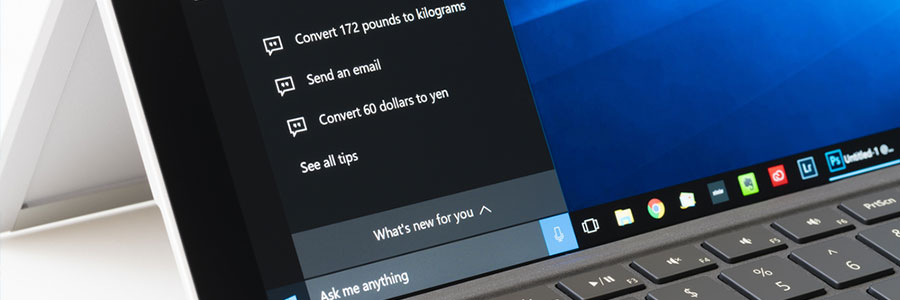
You’ll find Cortana, Microsoft's voice-activated personal assistant, extremely helpful for daily tasks, like rescheduling meetings, drafting an email, or dealing with several other time-consuming work. Learn how to use the following Cortana commands to make life so much easier for you.
We use cookies to ensure that we give you the best experience on our website. If you continue to use this site we will assume that you are happy with it.