Windows 11, Microsoft's latest operating system for personal computers and tablets, comes with a lot of features. But it can be even better with a little bit of customization. In this blog post, we will show you how to personalize your Windows 11 devices so you can make the most of its many features.
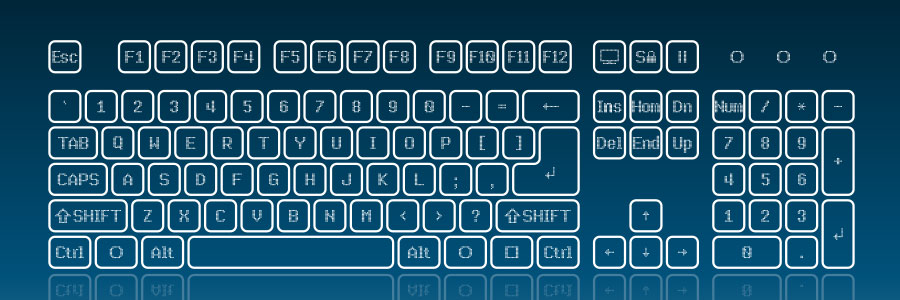
It’s been almost a year since Microsoft released its latest operating system, Windows 11. And while some features and keyboard shortcuts were carried over from Windows 10, several new ones have been added. Here’s a list of handy keyboard shortcuts to help you get the most out of Windows 11
General Windows 11 shortcuts
These shortcuts are for general functions, such as copy, cut, paste, and more.
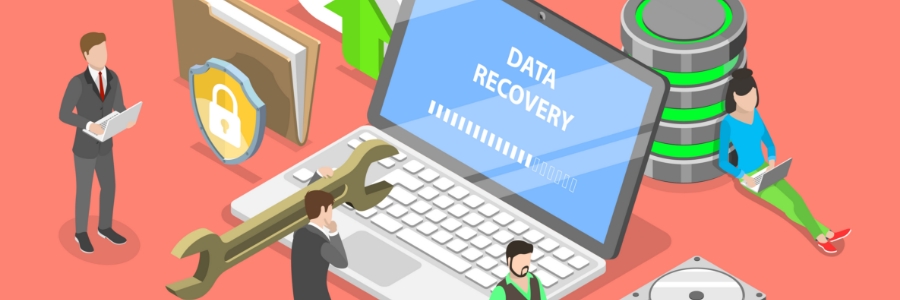
Whether you use a Windows 10 laptop or desktop for work or personal use, you’ll realize that it can quickly accumulate a large amount of data. Hardware failure, cyberattacks, and natural disasters can put this data at risk of being lost forever. Backing up your data regularly is the best way to prevent data loss, and here’s how you can do it.
Windows 11 is available as a free upgrade for Windows 10 users, and many people — including laptop users — are taking advantage of this new operating system. If you're one of them, then you need to know how to properly tweak Windows 11 features on your laptop so you can make the most of Windows 11.
1. Set up how your device checks for updates
New laptops usually automatically check for updates, but you can also manually do this.
Windows 11 offers a new and improved way to customize your PC. Whether you’re looking to improve your computer's efficiency or just want to try different settings, there are plenty of options in Microsoft's latest operating system that will suit you.
Technology makes work easier, and something as simple as keyboard shortcuts can save you a lot of time. If you have a Windows 10 or 11 computer, then you may find these keyboard shortcuts very handy.
Snap
Snap allows you to put two to four windows side by side, making it easier to compare documents or do two things at the same time.
When it comes to accessing devices, entering a password is a hassle, not to mention fast becoming obsolete in terms of providing strong security. Thankfully, Windows 10 and 11 users can use Windows Hello, a feature that provides a convenient and secure way to log in with just a look, a touch, or a PIN code.
Everyone needs a fast, reliable PC in order to be productive. A slow computer cannot process multiple tasks efficiently and can hamper your productivity. One of the many causes of a sluggish computer is a cluttered desktop. Here are some fixes that will help reduce desktop clutter and improve your PC’s speed.
Do you feel like your online activity is being spied on? That’s because it probably is — but not by cybercriminals as you might think. It’s more likely that it’s your operating system that's tracking your information. Learn more about Windows 11’s not-so-private settings and how to fix them to ensure your privacy.
Windows 11 is the new kid on the block. It looks sleek and modern, and many users are tempted to upgrade to the latest Microsoft operating system (OS). But should you make the switch? Here are five reasons why you may want to stick with Windows 10 for now.
We use cookies to ensure that we give you the best experience on our website. If you continue to use this site we will assume that you are happy with it.